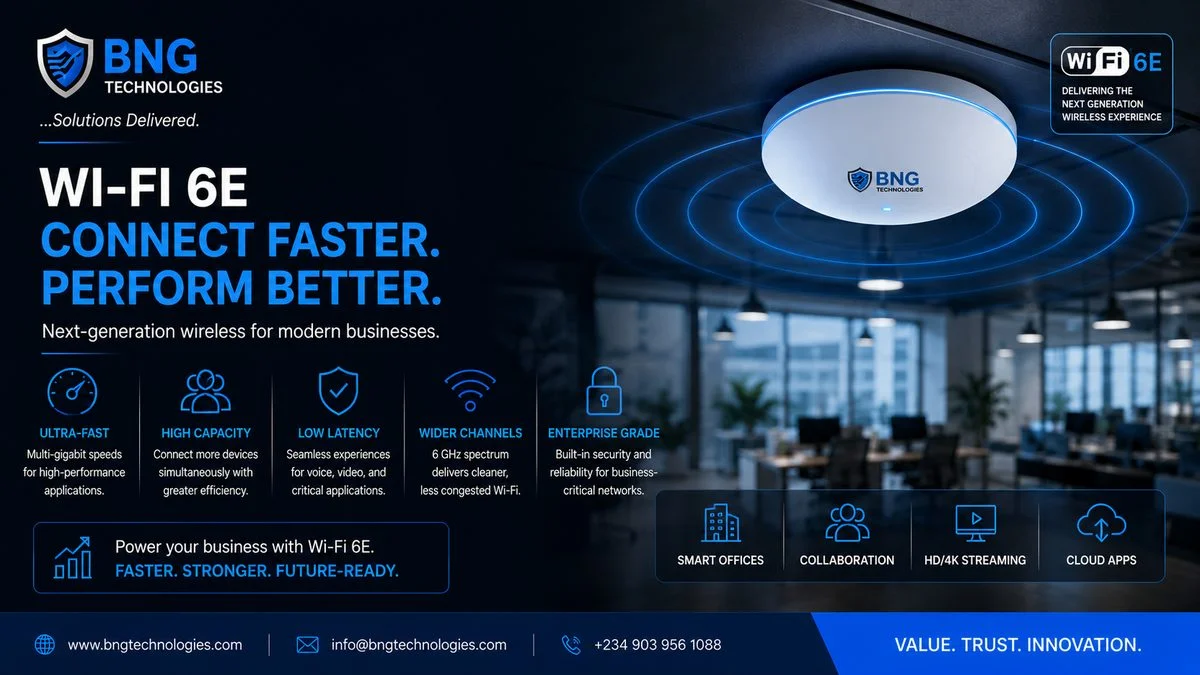
Wi-Fi 6E is not just an incremental upgrade to Wi-Fi 6. It is a genuinely new radio band — the 6 GHz spectrum — opening up for Wi-Fi use for the first time. That matters because the 2.4 GHz and 5 GHz bands that all previous Wi-Fi generations share are congested. In a modern Nigerian office building, your employees' wireless experience is being degraded by competing signals from dozens of neighbouring access points, consumer devices, baby monitors, and microwave ovens all fighting for the same spectrum.
Wi-Fi 6E sidesteps that congestion entirely by operating in previously unused radio spectrum. The result: faster speeds, lower latency, and dramatically better performance in dense environments — open-plan offices, banking halls, hospital wards, university campuses.
But "better Wi-Fi" is not a strategy. This article explains what Wi-Fi 6E actually delivers, where it does and does not make sense, and what a proper enterprise deployment looks like.
What's Actually New in Wi-Fi 6E
Wi-Fi 6 (802.11ax) was released in 2019 and brought significant improvements over its predecessors: better spectral efficiency, OFDMA for handling many simultaneous clients, and Target Wake Time (TWT) to reduce battery drain on IoT devices. These improvements apply to both the 2.4 GHz and 5 GHz bands.
Wi-Fi 6E extends those same 802.11ax improvements into the newly opened 6 GHz band. That band adds up to 1,200 MHz of additional spectrum — compared to just 70 MHz in the 2.4 GHz band and 500 MHz in the 5 GHz band. More spectrum means more non-overlapping channels, which means less co-channel interference and the ability to use wider channels (160 MHz) without fighting for space.
In practical terms: A Wi-Fi 6E access point in a clean 6 GHz environment can deliver throughput exceeding 2.4 Gbps to a single client, with latency under 2 milliseconds. In a dense office environment, the improvement in consistent throughput per user is often more significant than peak speeds — every device gets its own clean channel.
The Three Bands Explained
Wi-Fi 6E access points are typically tri-band, operating across all three radio bands simultaneously. Understanding what each is good for helps with deployment planning:
2.4 GHz
Long range, low throughput. Best for IoT devices, older clients, and coverage in areas where range matters more than speed. Congested in most Nigerian office environments. Keep it active for legacy device compatibility, but do not expect performance from it.
5 GHz
The workhorse band for most enterprise Wi-Fi 6 deployments. Good balance of range and throughput. Still subject to co-channel interference in dense environments, but manageable with proper RF design.
6 GHz
The new band. Short range (higher frequencies attenuate faster through walls), very high throughput, zero legacy interference. This is where your Wi-Fi 6E clients — modern laptops, phones, tablets — will connect for the best experience. Requires more access points for equivalent coverage compared to 5 GHz.
Where Wi-Fi 6E Makes a Difference
The business case for Wi-Fi 6E is strongest in specific environments. Be realistic about whether these apply to you before committing to the upgrade cost.
High-Density Environments
Banking halls, trading floors, open-plan offices with 50+ users per floor, conference centres, university lecture halls — anywhere many clients compete for airtime simultaneously. This is where the additional spectrum and OFDMA efficiency of Wi-Fi 6E delivers the most obvious improvement.
Latency-Sensitive Applications
Voice over Wi-Fi, video conferencing, real-time collaboration tools, and increasingly, cloud-hosted core business applications. The sub-2ms latency of 6 GHz Wi-Fi 6E is particularly valuable here — dropped video calls and poor voice quality are often a Wi-Fi problem, not a WAN problem.
Modern Device Fleets
If your organisation has recently refreshed its laptop and mobile fleet, you likely have Wi-Fi 6E capable clients ready to use the 6 GHz band. If your fleet is two to four years old, many devices may still be Wi-Fi 5 or Wi-Fi 6 (not 6E) — in which case the upgrade primarily benefits future devices, not current ones.
Honest assessment: If your current wireless problems are mostly about WAN bandwidth (slow internet) rather than wireless capacity (congestion, interference, airtime contention), Wi-Fi 6E will not fix them. Diagnose before you upgrade.
What a Proper Enterprise Deployment Requires
This is where many deployments go wrong. Buying Wi-Fi 6E access points and installing them in the same positions as the old ones — what the industry calls a "forklift upgrade" — rarely delivers the expected improvement.
RF Survey and Heat Mapping
The 6 GHz band has shorter range and attenuates faster through walls, glass, and building materials. Access point placement that worked well for 5 GHz coverage will likely leave 6 GHz coverage gaps. A proper predictive RF survey, followed by a post-installation validation survey, is essential for any serious deployment.
Wired Infrastructure Uplift
A Wi-Fi 6E access point can deliver multi-gigabit wireless throughput. If it is connected to a 1 Gbps switch port, that port becomes the bottleneck. Enterprise Wi-Fi 6E deployments typically require 2.5 Gbps or 5 Gbps switch uplinks, and switches that support Multi-Gig Ethernet. Budget for the wired infrastructure alongside the wireless hardware.
Power Requirements
Tri-band Wi-Fi 6E access points draw more power than their predecessors — up to 30W. This may exceed the PoE budget of your existing switches. Check your switch PoE capacity before assuming your existing switching infrastructure can support the new APs.
Controller and Management Platform
Wi-Fi 6E deployments are most effectively managed through a cloud or on-premise wireless controller that provides RF optimisation, client steering (directing clients to the optimal band), and centralised policy management. Ad hoc standalone AP deployments lose most of the performance benefits of the technology.
Recommended Vendors for Enterprise Deployment
The enterprise wireless market has a clear tier of vendors with proven Wi-Fi 6E offerings:
- Cisco (Meraki / Catalyst) — strong cloud management, excellent in environments with existing Cisco infrastructure; Meraki particularly suited to distributed multi-site deployments
- Fortinet (FortiAP) — tight integration with FortiGate security fabric; wireless security policy enforcement at the AP level; strong choice if Fortinet is your security platform
- Aruba (HPE) — best-in-class RF design tools; strong in high-density and healthcare environments
- Ruckus (CommScope) — BeamFlex antenna technology provides excellent range and interference mitigation; good for environments with challenging RF conditions
The Bottom Line
Wi-Fi 6E is genuinely the most significant wireless upgrade in a decade — but it is an infrastructure investment, not a plug-and-play product. Organisations that see the biggest returns are those that pair the new hardware with proper RF design, wired infrastructure uplift, and a management platform that can optimise the multi-band environment.
For Nigerian enterprises planning a wireless refresh — new office fit-out, campus expansion, or replacement of ageing access points — Wi-Fi 6E is the right platform to deploy. The spectrum advantage will remain relevant for years. But invest in the design, not just the hardware.
BNG Technologies designs and deploys enterprise wireless networks across Nigeria and West Africa, with certified expertise across Cisco, Fortinet, and Aruba platforms. Contact us for a wireless assessment or deployment scoping.
Planning a wireless refresh?
Our network engineers can assess your current wireless environment and design a Wi-Fi 6E deployment that delivers real performance improvement.